How it works
Scan QR-code or locate device
To begin, scan QR-code or locate device using one of the following options:
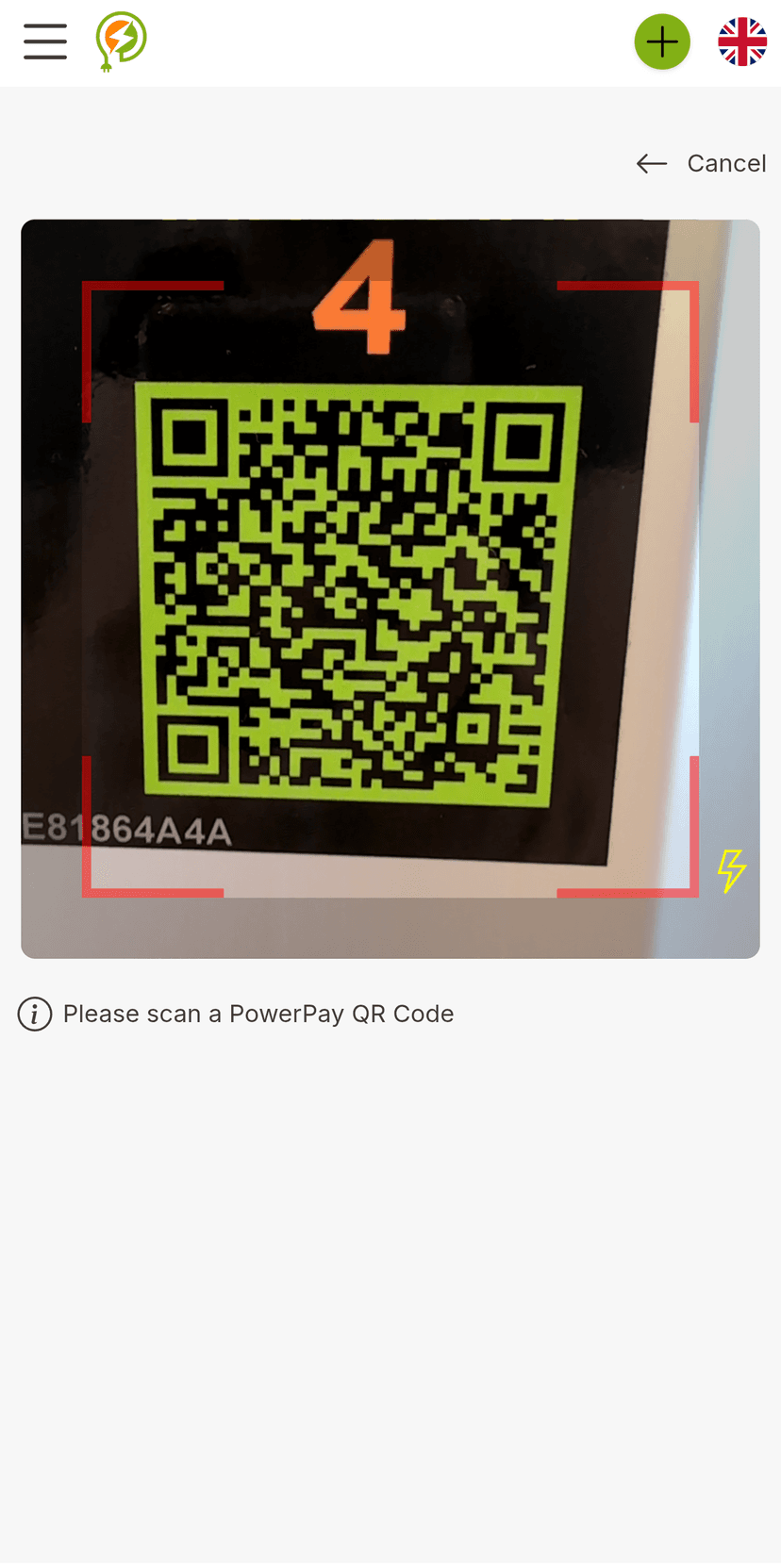
Scan QR Code
Open the PowerPay app and select the built-in QR scanner, or use your phone's camera to scan the QR code.
If prompted, tap "Allow" to grant the app permission to access your camera.
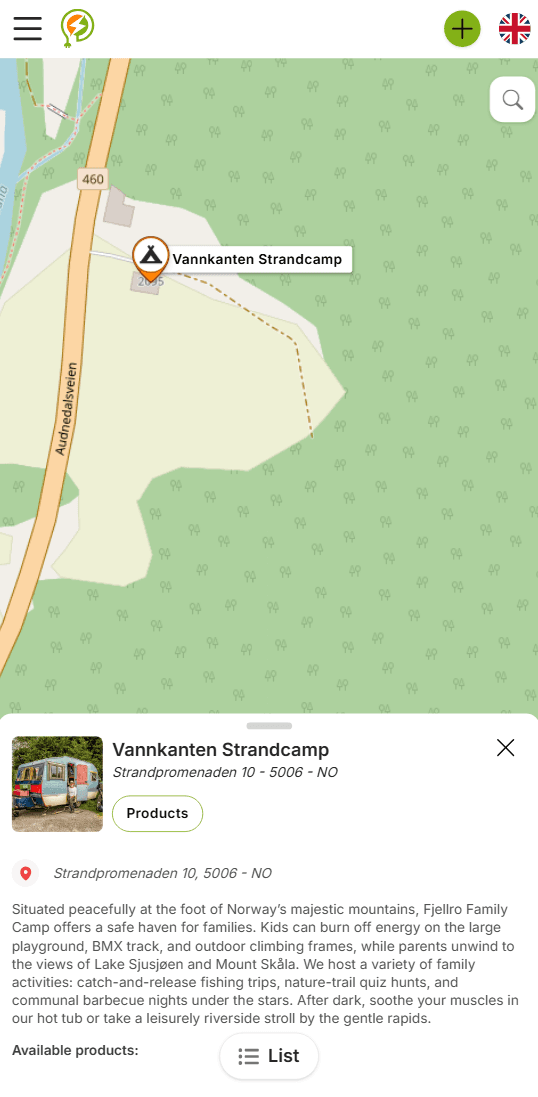
Find location on map
Browse the map or search for the correct site from the list in the app or on the website.
If on the website, click “view products” to continue.
Setup and Start / Buy
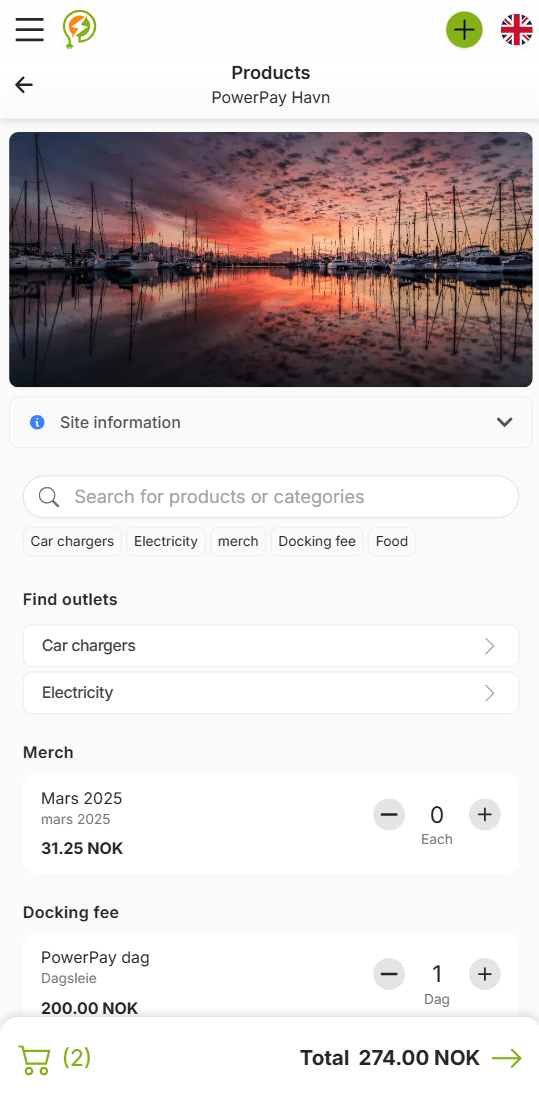
Choose the product or service you wish to use or purchase. Select relevant options such as product type, quantity, session duration, end date, or payment limit. Once setup is complete, start the session or proceed with payment.
If you're not logged in or registered, the app will prompt you to do so before continuing.
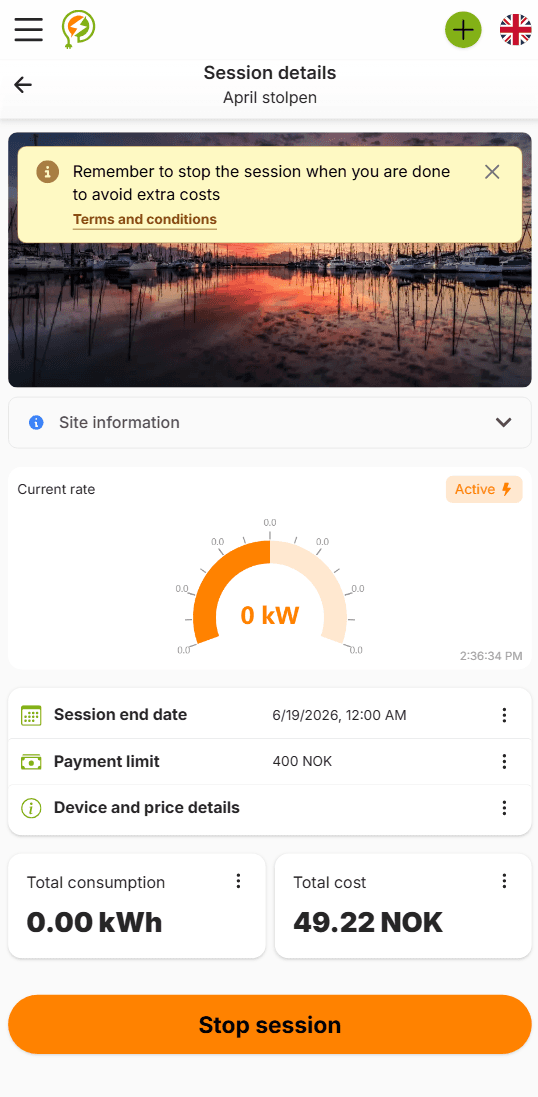
Manage Your Session
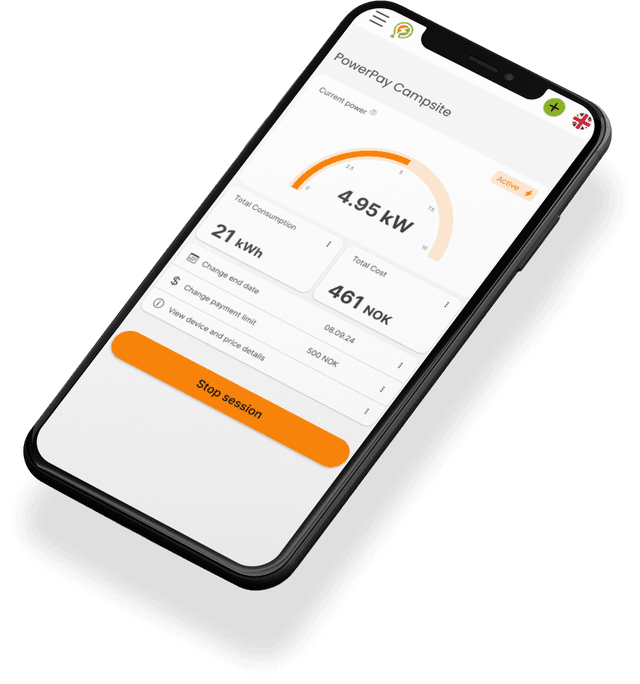
While your session is active, the PowerPay app allows you to monitor usage in real time, view consumption levels and estimated costs, adjust session settings like duration and payment limits, and end the session at any time.
Get the PowerPay app!
The PowerPay app is available on Google Play and in the App Store or use the web app right here in your browser. All the PowerPay features are available regardless of which platform you wish to use.