Support
Need help? Find answers in our FAQ or reach out to our support team.
Frequently Asked Questions
Tap 'OK' or 'Next' on your phone's keyboard before tapping 'Save' in the app, then you will get to the BankID page.
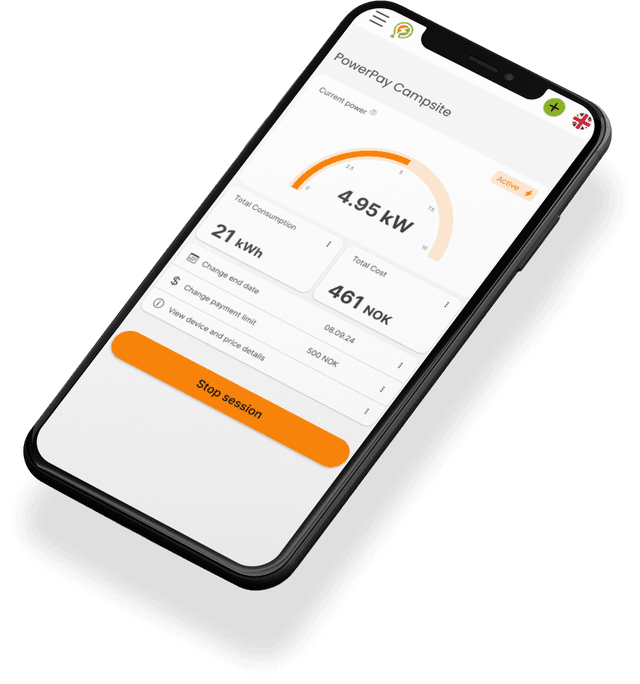
You can see the power price when you start your session in the PowerPay app, and you can also check it later in your session details in the app. Please note that prices may vary from site to site.
A session can only be ended by you or the site administrator. If you did not end the session, it may have been ended by the site administrator due to inactivity or other reasons.
Day sessions: You pay when the session ends or when you make changes to the session. Seasonal sessions: You pay every month on the 20th and/or on the day you end the session.
Possible reasons: Not enough money on the card, the pole is offline, the pole is in use by another guest, or a physical problem (contact the site).
Check that you are still logged in with the correct user. Check your email under 'Profile' in the PowerPay app.
Payment is made automatically from the card you have added to the PowerPay app. If payment fails, check that your payment card is updated.
Yes, it is completely free. You only pay for what you use.
It is up to you as the user to end the session. The session can be ended at any time from your phone in the app.
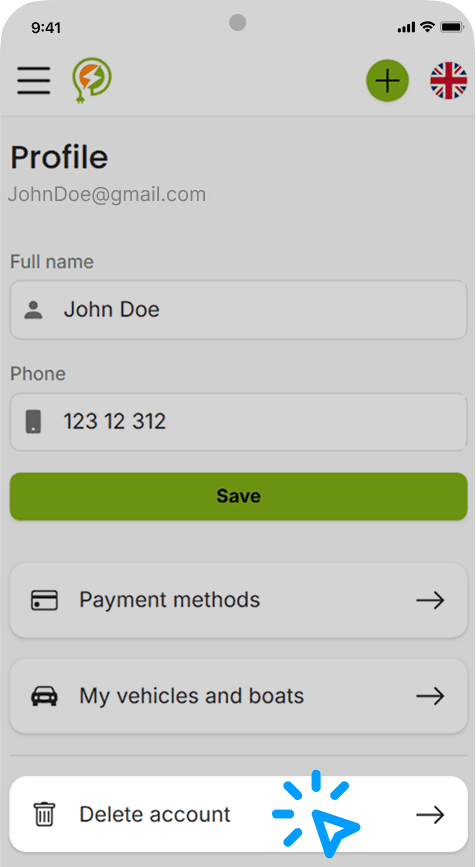
To delete your PowerPay account, go to 'Profile' in the PowerPay App and click the 'Delete account' button. If you are unable to access the app, you can contact support to request account deletion. When your account is deleted, we will also delete the personal data associated with your account, unless we are required to keep certain information for legal, security, fraud prevention, or regulatory reasons.
Contact support
Get the PowerPay app!
The PowerPay app is available on Google Play and in the App Store or use the web app right here in your browser. All the PowerPay features are available regardless of which platform you wish to use.